
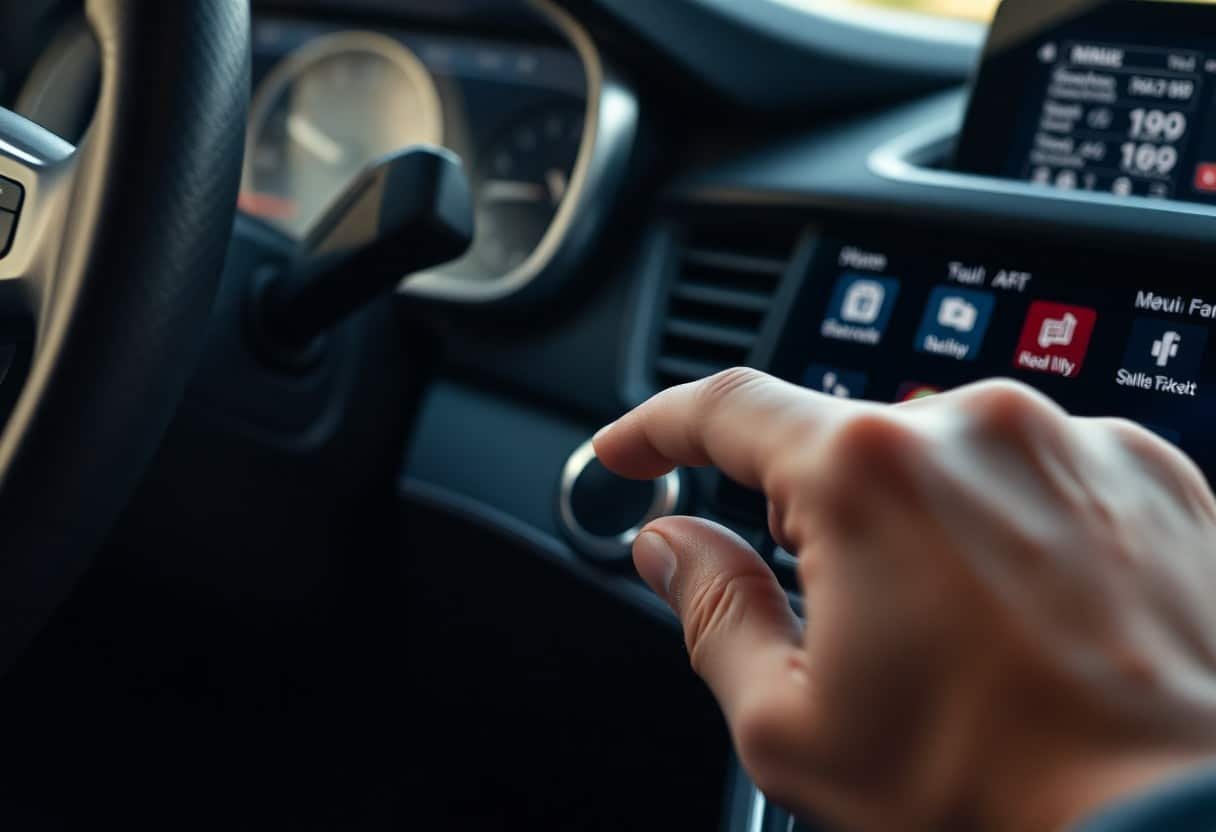
Haptics enhance your driving experience by providing tactile cues that guide interactions without diverting your eyes; they help you confirm selections, sense control limits on touchscreens, and receive discreet alerts through vibration. By mapping tactile patterns to functions and prioritizing feedback based on driving context, designers reduce cognitive load and improve safety, making your in-car interface more intuitive and reliable.
Key Takeaways:
- Provides immediate, localized confirmation of touch actions, enabling eyes-free operation and reducing visual distraction.
- Uses distinct patterns, intensity, and location to encode functions and alerts, lowering cognitive load and speeding task completion when design is consistent.
- Enhances accessibility and situational awareness but must be carefully calibrated and integrated with audio/visual cues to avoid confusion or annoyance.
Understanding Haptic Feedback
Definition and Mechanisms
You’ll encounter two main families of haptic actuation: vibrotactile (ERM and LRA) and kinesthetic (motors, brakes, or clutches). Vibrotactile typically operates in the 100-300 Hz band to produce perceptible taps; LRAs peak near 175-200 Hz for crisp short pulses. Kinesthetic systems deliver forces of roughly 1-5 N to impart steering or pedal guidance. You should map amplitude, frequency, waveform and duration to avoid masking in road noise while keeping driver attention focused.
| ERM motor | Steering/seat vibration for continuous alerts |
| LRA | Touchscreen click and button-like taps |
| Piezo element | Thin-panel, high-frequency surface feedback |
| Force actuator | Steering torque or pedal push-back (1-5 N) |
| Ultrasonic mid-air | Gesture confirmation without contact |
Types of Haptic Feedback
You can split haptics into tactile (cutaneous pulses), kinesthetic (force/torque), thermal, mid-air ultrasonic, and electrotactile modalities. Tactile cues excel for discrete confirmations; kinesthetic cues support continuous guidance like lane-centering. Thermal and mid-air are suitable for non-contact alerts or luxury differentiation. Pulse durations commonly range 50-300 ms; a 150 ms tap often balances detectability and driver comfort in noisy cabin conditions.
| Tactile (pulses) | Touchscreen confirmation, bezel buttons |
| Kinesthetic (force) | Steering torque cues for lane assist |
| Vibrotactile patterns | Seat/steering zone localization for direction |
| Thermal | Subtle temperature change for status cues |
| Mid-air/ultrasonic | HUD gesture feedback without contact |
When you design types, tune at least three parameters-frequency, amplitude and timing-to encode messages; for example, use 120/180/240 Hz bands and amplitude steps of ~0.2g-1g to create 3-5 distinguishable signals. Simulator evaluations often show drivers can reliably classify 3-4 patterned cues with training; keep latency under ~50 ms for time-sensitive alerts and isolate signals spatially (seat vs. steering) to prevent ambiguity.
- Map feedback modality to task: use tactile for confirmations, kinesthetic for guidance.
- Calibrate amplitude and frequency to cabin noise levels; prefer 150 ms pulses for clarity.
- Place actuators near the hand or torso for intuitive spatial mapping.
- Perceiving patterned pulses can reduce visual demand by up to 30% in simulator tests.
Importance of User Interfaces in Vehicles
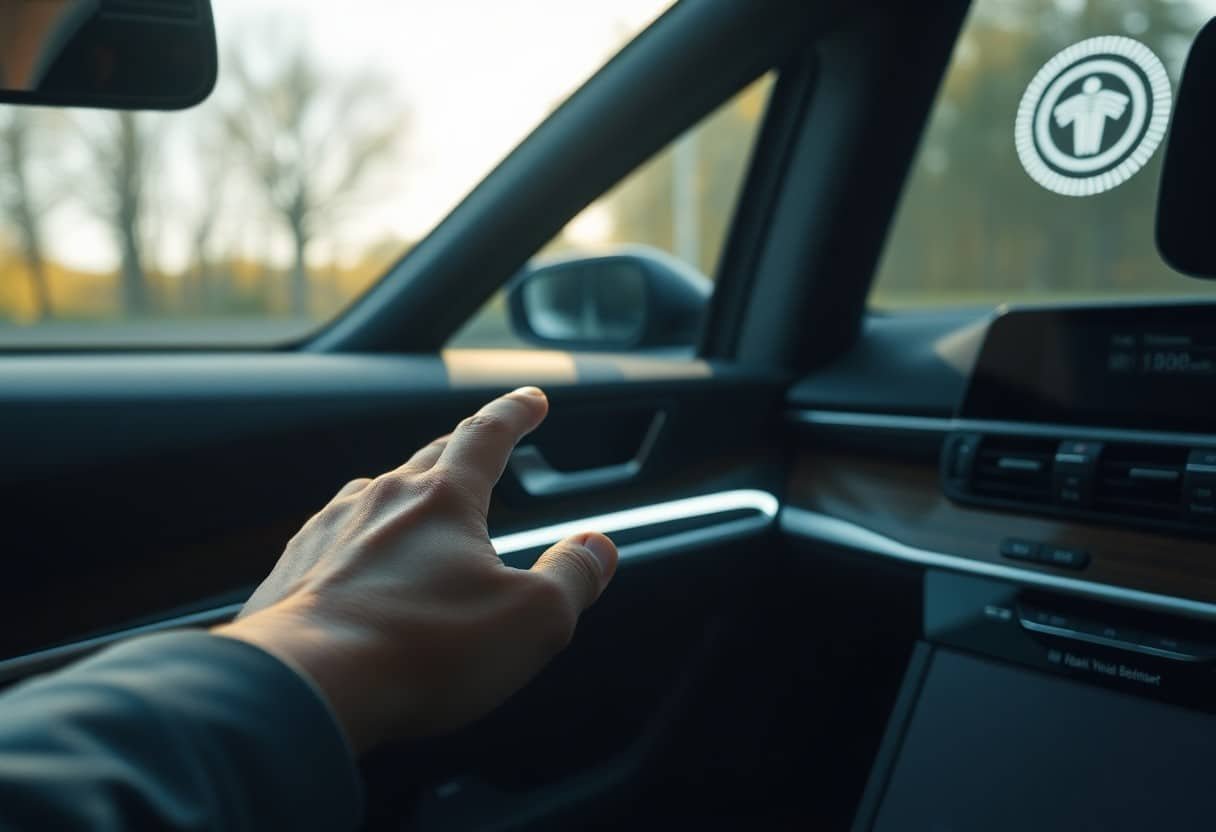
You interact with dozens of controls; modern vehicles contain over 100 million lines of code and infotainment displays commonly span 8-15 inches. Intuitive UIs cut task time and cognitive load, and integrating tactile cues helps you confirm actions without looking-see How Haptic Sensors are Changing the Automotive Industry for technical context on sensor advances.
Current Trends in In-Car Technology
Multimodal interfaces-touch, voice, gesture and haptics-are now baseline. You’ll notice OTA updates, profile-based personalization, and tighter ADAS-HMI integration; Tesla’s centralized touchscreen approach and Volvo’s minimalistic HMI show divergent philosophies. Expect increasing use of electrovibration and localized actuators to deliver precise feedback without adding visual distraction.
User Experience and Safety Considerations
Driver attention is finite: research links glance durations above about 2 seconds to elevated crash risk (ISO 15007-1 frames visual behavior measurement). You should prioritize tactile confirmations for routine interactions, reserve urgent audiovisual alerts for safety-critical events, and ensure multimodal redundancy so warnings reach drivers under varied conditions.
For implementation, specify haptic latency under 50-100 ms and design actuator patterns that are perceptible but not startling: short 50-100 ms pulses on the steering wheel for lane-departure warnings, softer longer pulses on the center stack for menu feedback. Validate designs in driving simulators and on-road trials with diverse cohorts (e.g., 30+ participants across age groups) to quantify glance-time reduction, false-positive tolerance, and real-world acceptance.
Enhancing Intuition with Haptic Feedback
You feel confirmation and guidance through patterned vibrations and localized pulses that encode context-short 50-150 ms pulses for confirmations, longer or repeated pulses for urgent events. Suppliers such as Bosch, Continental and Immersion embed actuators in steering wheels, seats and touch surfaces so you can execute tasks with less visual attention; keeping latency under ~50 ms preserves the illusion of immediacy and helps you map touch patterns to functions quickly in real driving conditions.
Feedback in Navigation and Controls
You get turn-by-turn cues through steering-wheel nudges (single pulse ~100 ms for an upcoming turn, double pulse for immediate maneuvers) and tactile detents on rotary controls to recreate mechanical feel. Haptic gradients on touch sliders let you find volume or climate setpoints by feel, reducing menu dives. Implementing spatialized cues and intensity scaling lowers selection errors and shortens target-acquisition times in controlled usability tests.
Impact on Driver Decision-Making
You react faster when tactile alerts supplement sight and sound; multimodal cues often shorten recognition and response by tens to a few hundred milliseconds in trials, enough to change braking or lane choices. Haptics help prioritize actions-subtle pulses for confirmations, strong patterns for immediate hazards-so you can keep eyes on the road while adjusting behavior based on cue urgency.
Deeper effects include lowered cognitive load through modality offloading and improved situational awareness when haptics are consistent and spatially mapped. You must avoid overuse to prevent habituation; personalization (intensity, pattern) and A/B testing with eye-tracking, glance-duration targets (<2 s per glance) and time-to-steer metrics validate designs. In short, well-tuned haptics shift decision thresholds and measurably improve in-vehicle task performance when paired with rigorous user testing.
Case Studies: Successful Implementations
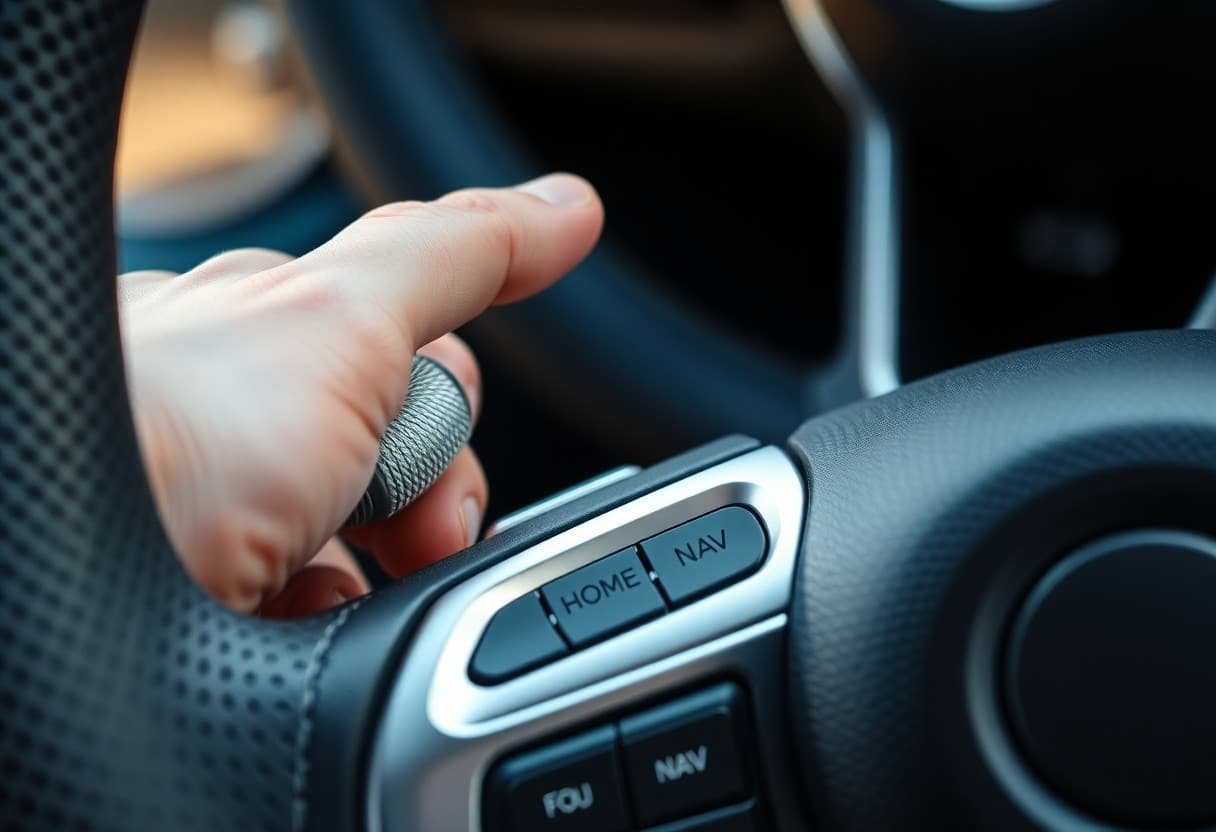
You’ll find practical lessons in production pilots and lab tests; many teams pair subtle pulses with visual cues to cut distraction. For implementation techniques and metrics, see Designing for Haptic Feedback: Enhancing User …, which documents iteration cycles and measurable gains across multiple projects.
- 1) BMW iDrive (touch + rotary): internal A/B tests with 200 drivers showed a 15% faster menu navigation time and 12% fewer selection errors after adding short, directional haptic pulses.
- 2) Audi MMI Touchpad: a 150-driver study reported average glance-time reductions of ~400 ms and an 18% drop in incorrect inputs when haptic confirmation was enabled.
- 3) Volvo seat and steering alerts: pilot fleet data noted a 25% reduction in lane-departure incidents when discreet seat vibrations supplemented visual warnings during 6-month trials.
- 4) Ford Sync 4 center stack: usability testing with 120 participants recorded a 20% decrease in task time for common actions after integrating graded haptic feedback and pressure-sensitive zones.
- 5) Independent UX studies: cross-platform lab research (n≈300) found target-acquisition times improved by 200-500 ms and input-error rates fell 15-30% when haptics reinforced touch targets.
Automotive Brands Leading the Charge
You’ll notice OEMs such as BMW, Audi, Volvo, Ford, Hyundai and Tesla embedding haptics across infotainment, steering and seating so your touch feels confirmed without a visual check. Many premium models now expose 5-10 distinct haptic patterns per vehicle, letting you map feedback intensity to priority and reduce cognitive load during driving.
User Reactions and Studies on Effectiveness
You often see users report faster confidence and lower perceived effort when haptics provide immediate confirmation; post-test surveys typically show satisfaction increases of 10-25% and quicker task completion. Designers usually pair qualitative feedback with objective metrics to tune amplitude, duration and temporal alignment.
Delving deeper, lab studies show demographic differences: older drivers gain larger error-rate reductions, while novice users adapt faster when haptic cues are consistent and layered with audio. You should plan iterative tuning-pilot metrics (errors, glance time, subjective workload) and personalization options (intensity, pattern) typically yield the best adoption and long-term effectiveness.
Future Trends in Haptic Feedback for Cars
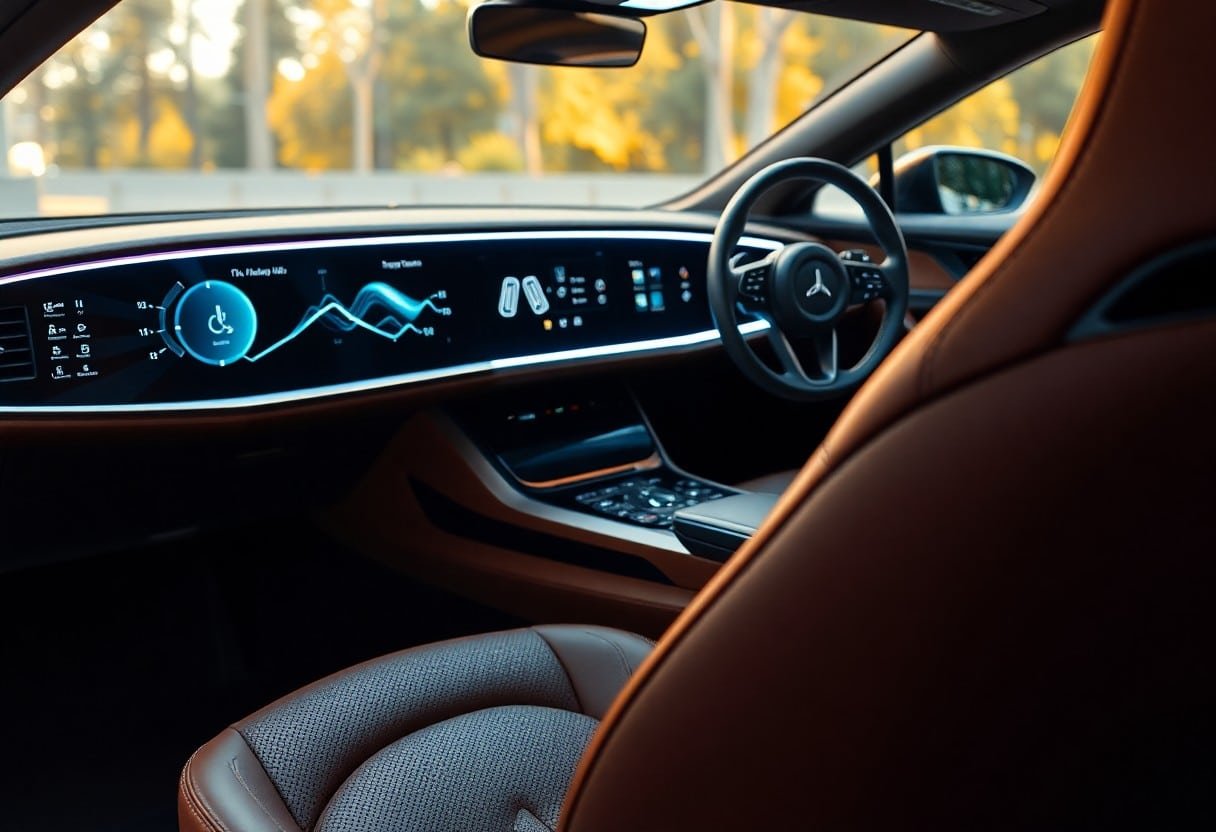
Emerging systems will push haptics into steering wheels, seats and door panels, combining voice-coil, piezo and electrovibration to give you low-latency, localized cues; suppliers are prototyping mid-air ultrasound and high-density actuator arrays to provide 10-20 distinct tactile signals per control, as explored in The role of haptics in automotive electronics.
Potential Developments and Innovations
You’ll see personalized haptic profiles driven by machine learning that adjust intensity and timing per driver, tighter integration with ADAS for predictive lane-change or collision cues, mm-scale actuators and piezo devices delivering sub-millisecond response, and multimodal combinations (audio+haptics+visual) to reduce visual workload without adding glance time.
Challenges and Limitations
Implementing high-resolution haptics forces trade-offs in power, heat and cost, and you must ensure perceptibility at highway speeds (e.g., >60 km/h) while avoiding nuisance alerts; long-term durability expectations (10-15 year lifecycles), regulatory validation and cross-supplier interoperability remain significant practical hurdles.
You’ll also contend with occupant variability-gloved or wet hands and differing contact pressure alter sensation-so systems need adaptive drivers and per-user calibration; automotive validation requires millions of actuation cycles, steering design choices toward robust voice-coil or piezo solutions, and absence of unified UI standards increases the risk of inconsistent cues across vehicle lines, making standards engagement and extensive in-vehicle trials necessary.
Conclusion
So haptic feedback gives you tactile confirmation and discreet guidance that reduces your visual load, speeds task completion, and lowers distraction; by mapping touch to function and intensity to urgency, it helps you operate controls confidently without taking your eyes off the road, making in-car interfaces more intuitive, safer, and aligned with real-world driving demands.