
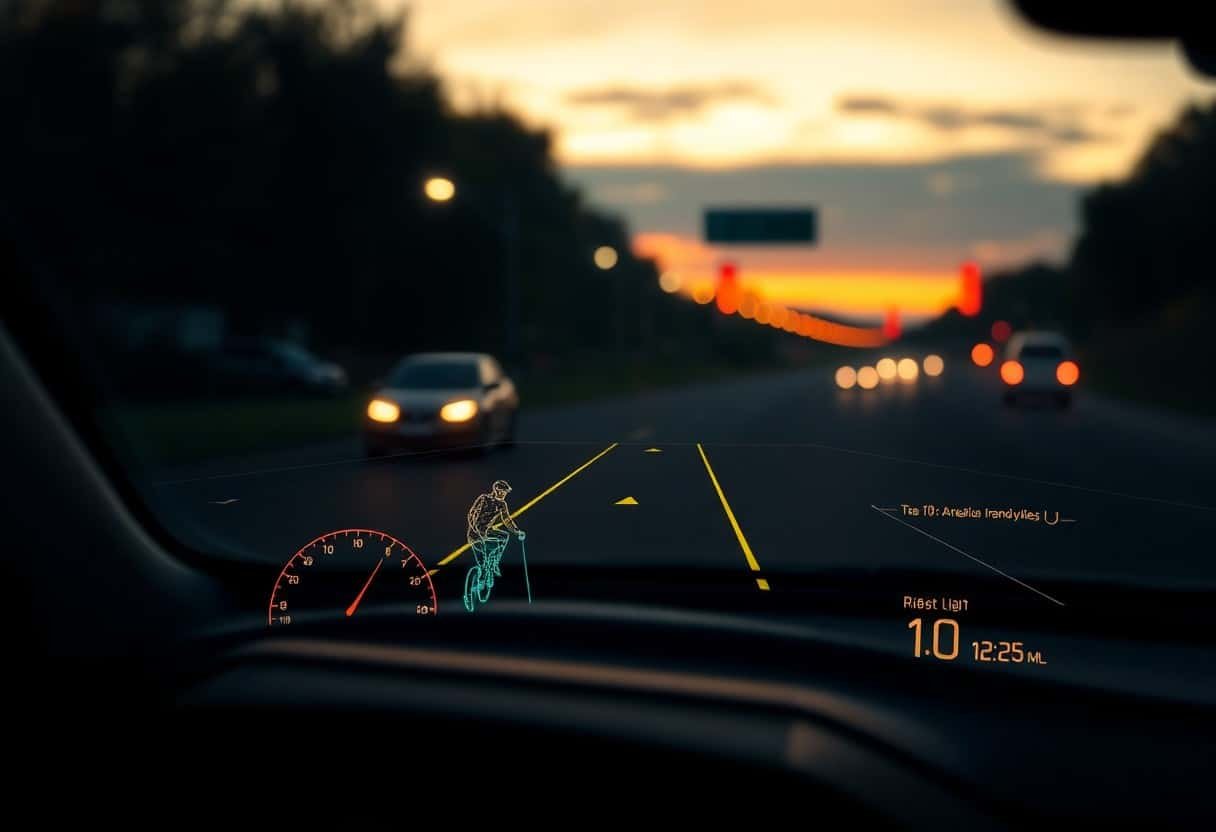
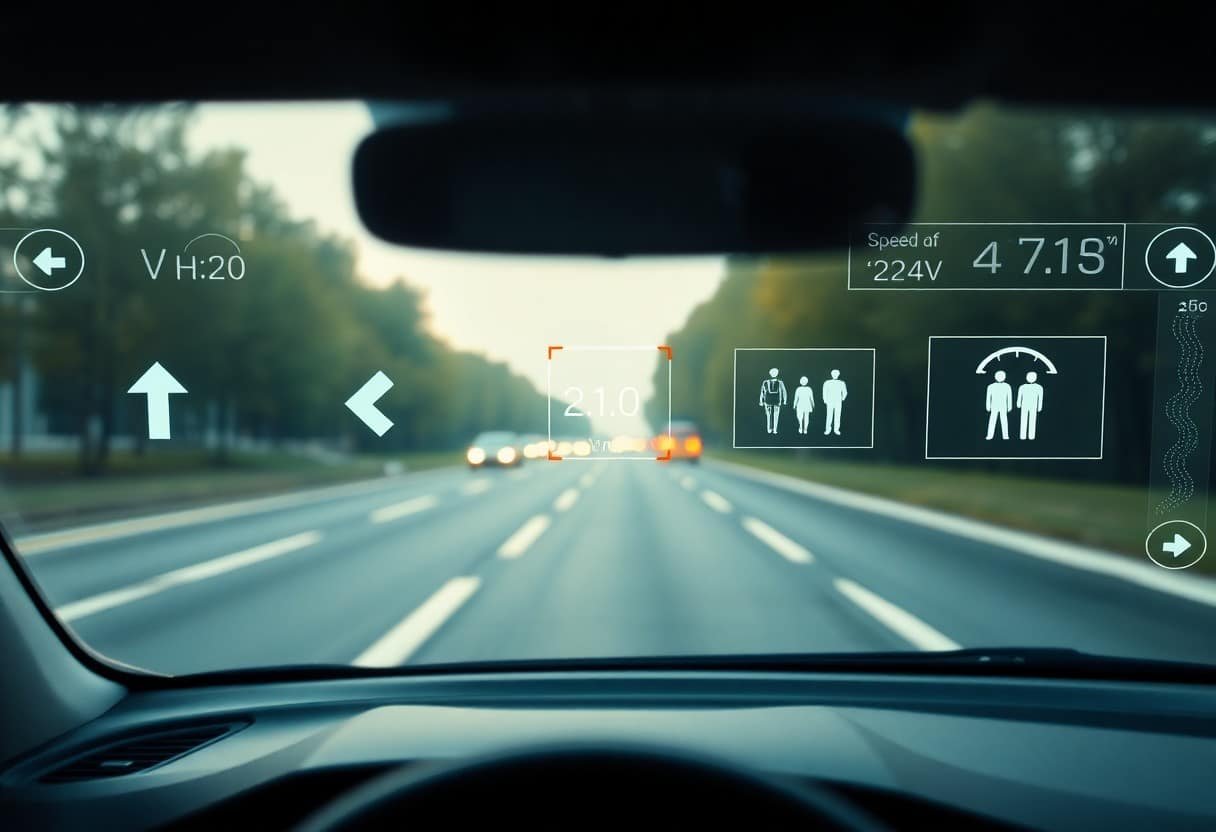
With AR overlays and AI-driven analytics, your HUD transforms into a proactive navigator that highlights lanes, identifies pedestrians and hazards, and prioritizes alerts to reduce distraction. By fusing sensor data, real-time mapping, and machine learning, these systems adapt to your environment and behavior, offering contextual guidance, predictive warnings, and clearer wayfinding so you can make safer, faster decisions behind the wheel.
Key Takeaways:
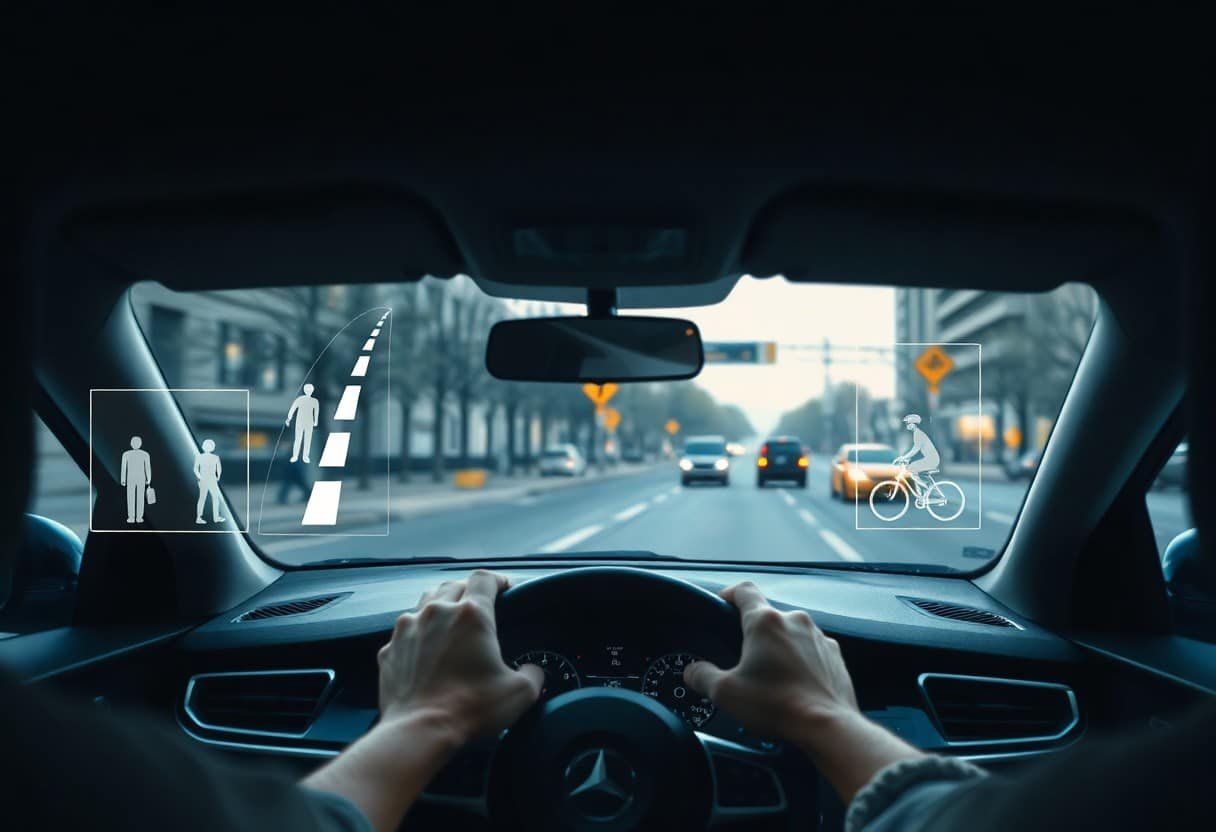
- AR HUDs project contextual, lane-accurate overlays (navigation cues, highlighted hazards, pedestrian/bike detection) directly into the driver’s field of view, reducing off-road glances and improving situational awareness.
- AI powers sensor fusion, object classification and predictive alerts (collision avoidance, intent prediction, drowsiness detection), enabling timely, personalized warnings and adaptive display behavior.
- Effective deployment requires human-centered UI design, rigorous validation, cybersecurity and privacy safeguards, and regulatory standards to minimize distraction and ensure reliability.
The Fundamentals of Heads-Up Displays
As you use HUDs during driving, core fundamentals include how content is rendered, where virtual images are placed relative to your eye, and how ambient light affects contrast; developers balance brightness, latency (often targeted below 100 ms), and accurate registration so overlays align with the road. Examples include combiner optics versus windshield projection, and AR-capable systems that tie map cues to lane markers, helping you judge system claims on safety and usability.
Definition and Purpose
HUDs present important vehicle data-speed, navigation, ADAS alerts-within your sightline so you can keep your eyes on the road; information is layered and prioritized, with warnings using color and size to draw attention. Automotive HUDs aim to reduce glance time and cognitive load, enabling you to respond faster to hazards without shifting focus to center-stack displays.
Historical Development
Origins trace to military aviation in the 1950s-60s, where jet pilots needed tactical readouts overlaid on the view, and you can see that lineage in modern HUDs’ emphasis on low-latency, aligned data. The first mainstream automotive HUD appeared in 1988 on the Oldsmobile Cutlass Supreme, and since the 2000s manufacturers such as BMW and Mercedes expanded windshield-projected HUDs into premium lines.
Adoption accelerated in the 2010s as HUDs evolved from single-line speed readouts to multi-line navigation and ADAS overlays; suppliers like Bosch, Continental, and Denso now provide modules to OEMs, and you benefit from falling costs and richer features. Recent pilot programs in the 2020s tested laser-based projection and holographic combiners plus AI-driven registration tied to camera lane detection, showing how legacy HUD tech merged with modern perception systems.
Integration of Augmented Reality in HUDs
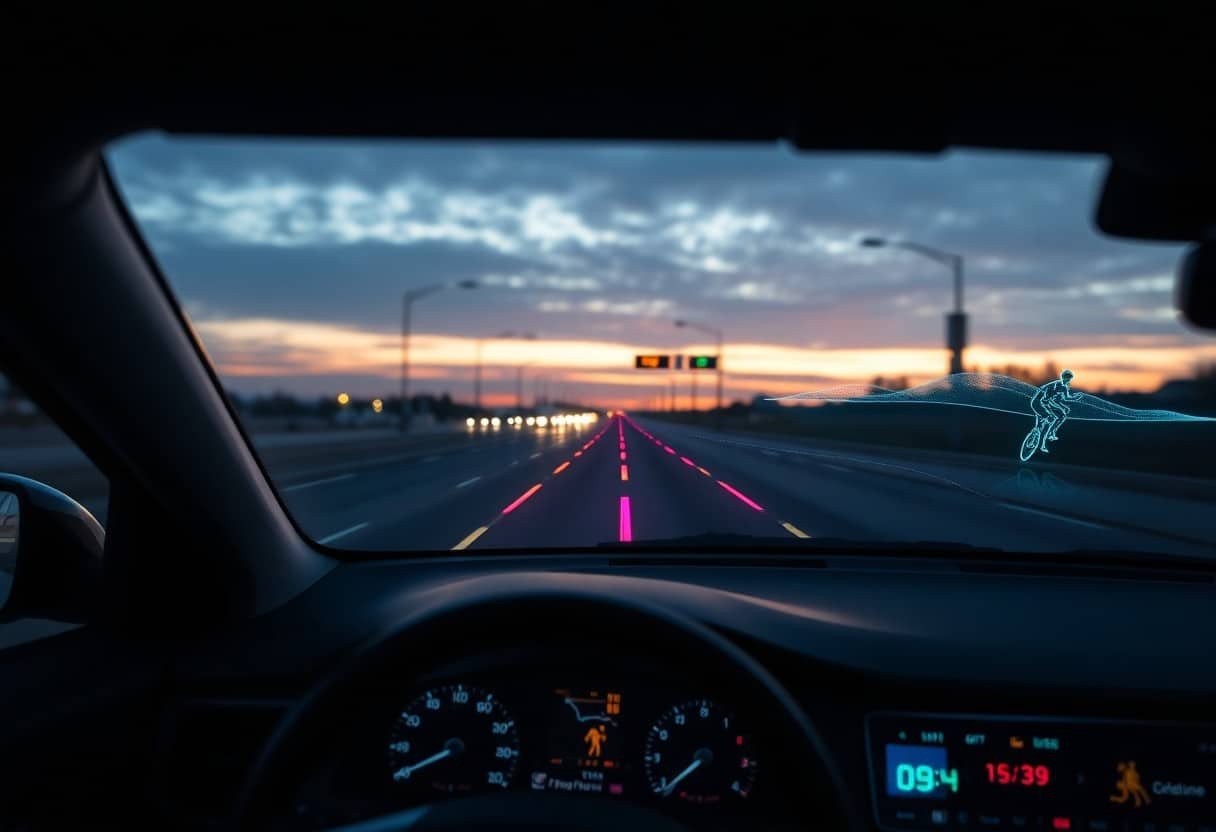
You experience AR HUDs through tight sensor fusion: high-resolution cameras, radar, GPS and IMU work together so overlays stay locked to real-world features; systems now target a 10-20° field of view with virtual images positioned 2-10 meters ahead to reduce eye strain, and engineers aim for latency below ~50 ms to prevent motion mismatch. Suppliers such as Continental, WayRay and Mercedes’ MBUX are moving from demos to pilot production, while software stacks use map-matching and SLAM to keep graphics accurately registered at highway speeds.
Enhancing Visual Information
You get richer, context-aware cues-turn arrows anchored to lanes, highlighted pedestrians and dynamic speed-limit badges-that reduce cognitive load. Modern AR HUDs perform per-pixel depth estimation and occlusion so virtual objects respect geometry; adaptive brightness and contrast maintain visibility in daylight and at night. Research reports typically show glance-away time reductions in the 20-40% range when navigation is rendered on-windshield and cues appear 30-50 meters before maneuvers.
Real-World Applications
You can already see AR HUD features in production and pilot vehicles: Mercedes’ MBUX AR overlays camera video with navigational arrows; Continental’s prototypes advertise a “70‑inch” perceived image at ~2 meters for clear lane guidance; WayRay and other suppliers have demonstrated holographic AR in concept and pilot fleets. Use cases span urban turn-by-turn navigation, ADAS alerts that highlight lane intrusions, and low-visibility guidance on highways.
You should note deployment patterns: OEM pilots focus on premium segments first, then expand to mainstream models as costs fall and mapping accuracy improves. Fleets are testing AR HUDs for delivery and service vehicles to lower missed turns and speed up routes, while manufacturers combine AR overlays with OTA map updates and V2X feeds to keep the displayed information current and actionable in complex, real-world conditions.
The Role of Artificial Intelligence in Driver Assistance
AI fuses camera, radar and lidar data to surface only the most relevant cues on your HUD, using deep networks from vendors like NVIDIA and Mobileye trained on millions of miles of road data to detect pedestrians, cyclists and signs with inference often under 100 ms. It also filters false positives and prioritizes alerts so your attention goes to true hazards. For technical context see Head-Up-Display(HUD) for Automotives.
Predictive Analytics and Decision Making
Predictive models estimate short-term trajectories (typically 1-5 seconds ahead) so the HUD can highlight likely collision paths, suggest speed reductions or lane adjustments, and present probability-weighted options rather than binary warnings; companies use recurrent and transformer-based models to weigh intent from turn signals, relative speed and crowd-sourced maps to reduce unnecessary alerts and improve decision timing.
Personalized User Experiences
Your HUD adapts to driving style and attention: eye-tracking at 60-120 Hz and driver profiles let the system change overlay density, font size and AR callouts, so navigation arrows, speed limits or pedestrian highlights appear where you naturally look and only when you need them.
In practice, personalization combines short-term signals (gaze, speed, context) with longer-term preferences stored in your profile; OEMs use this to auto-tune brightness, mute nonvital notifications on your commute, or shift emphasis to lane guidance in highway driving, with machine-learning models continuously updating models as you drive.
Safety Benefits of Advanced HUDs
You get continuous, contextual cues projected into your sightline that cut eyes-off-road time and present timely warnings; for example, AR overlays can highlight lane edges, speed limits, and imminent hazards while AI filters nuisance alerts. Industry research and deployments (see Augmented reality HUD: The next step-up for smart vehicles) show measurable reductions in glance frequency and improved situational awareness during complex maneuvers.
- Reduced glance time to instrument cluster and infotainment systems
- Prioritized, context-aware warnings that lower false alarms
- Augmented lane guidance and speed advisories for curve and work-zone safety
- Night and low-visibility enhancement via thermal and LiDAR overlays
- Predictive alerts from AI-based intent and trajectory models
Feature vs. Safety Impact
| Feature | Safety impact |
|---|---|
| AR hazard highlighting | Faster detection of pedestrians and vehicles |
| AI-prioritized alerts | Fewer distracted reactions from false positives |
| Projected navigation | Less cognitive load during complex junctions |
| Enhanced night vision | Improved obstacle detection in low light |
Reducing Driver Distraction
You maintain focus because HUDs bring important data-speed, turn prompts, collision warnings-into your forward view, cutting typical glance-away instances by an estimated 20-40% in simulator and field tests; HUDs also let you dismiss noncritical alerts via gesture or voice, so attention-stealing pop-ups are suppressed while high-priority cues remain visible.
Improving Reaction Times
You react sooner when warnings are spatially aligned with the hazard: overlaying brake cues or lateral arrows directly on the road reduces detection-to-action latency, with simulator studies reporting typical reductions of about 0.1-0.3 seconds versus dashboard alerts, enough to affect stopping distance at highway speeds.
Further, sensor fusion and AI prediction amplify those gains: combining radar, camera, and LiDAR feeds with intent models lets the HUD present not only current threats but short-term trajectory projections-so you see where a pedestrian or vehicle is likely to move before it happens. Automakers piloting AR HUDs report improved driver confidence in evasive scenarios, and systems that prioritize threats by collision probability reduce cognitive load so your motor response is both faster and more accurate.
Challenges and Limitations of Current Technologies
You still face hard trade-offs: AR HUDs often offer only a 10-20° field-of-view and must fight sunlight and reflections, while AI-driven overlays require tight sensor fusion and millisecond-scale latency-systems typically target <50 ms but many prototypes run at 50-120 ms. Integration, cost and inconsistent standards slow deployment; see How heads-up displays (HUDs) are revolutionising driving for industry context, so you must balance capability against real-world robustness.
Technical Constraints
Your design is limited by optics, sensors and compute: achieving sub-degree registration and low-latency alignment needs high-rate IMU/camera fusion and precise calibration, while legibility in daylight often requires luminance in the thousands of cd/m². Power, thermal limits and cost force trade-offs in resolution and refresh rate, and adding LiDAR or radar for reliable depth increases weight and system complexity.
User Acceptance and Usability
You face human factors hurdles: drivers favor concise, contextual cues-research suggests limiting dynamic elements to 1-3 items-because excess overlays increase glance time and reduce trust. Misleading AR cues or frequent false positives erode confidence, so you must prioritize clarity, consistent iconography and clear fallback to conventional displays when AI confidence is low.
You should validate with simulator and on-road trials across lighting, traffic and demographics, using dozens to hundreds of participants to capture edge cases; applying eye-tracking and adaptive interfaces can reduce unnecessary overlays by roughly a third. Also implement user profiles, progressive disclosure and measurable KPIs-glance duration, takeover rate, false-alert frequency-to iterate interfaces and satisfy regulators and fleet managers.
Future Trends in HUD Technology
You will see HUDs evolve from simple speed and navigation overlays into adaptive AR platforms that blend live sensor data, cloud maps, and AI-driven predictions; manufacturers like Continental and Bosch are investing in waveguide optics and eye-tracking to increase field-of-view and reduce latency, while SAE Levels 2-4 automation will push HUDs to present takeover prompts, confidence metrics, and cooperative V2X alerts so your situational awareness scales with vehicle capability.
Emerging Innovations
Expect waveguide and holographic displays to expand usable FOV to 15-20 degrees and retinal projection experiments to improve legibility in sunlight; sensor fusion combining camera, radar and LiDAR with on-board AI will deliver object highlighting, occlusion warnings, and latency targets under 50 ms, and companies such as NVIDIA (DRIVE) and Qualcomm are enabling real-time rendering and edge inference so your HUD feels seamless and responsive.
The Intersection of Autonomous Driving
As autonomy advances, HUDs will shift from driving aids to passenger information systems that explain vehicle intent: you’ll get visualized trajectories, takeover timing, and system confidence levels when control changes, with Waymo’s Level 4 operations in Phoenix serving as an early example of how HUDs can communicate intent in ride-hail fleets while consumer vehicles at Level 2 (e.g., Tesla) still rely on driver supervision.
Designers are prioritizing takeover ergonomics-studies target takeover acknowledgements and safe re-engagement within roughly 3-7 seconds-so your HUD will present progressive cues (auditory, visual, haptic), predicted paths, and blind-spot visualization to reduce ambiguity; regulators will likely require logged state transitions and explainable AI outputs, helping you assess when to intervene and building measurable trust in mixed-control scenarios.
Summing up
The integration of AR overlays and AI-driven context awareness makes HUDs adaptive, projecting navigation, hazard alerts, and driver state monitoring into your line of sight so you can keep your eyes on the road. Machine learning personalizes displays to your habits, while sensor fusion and predictive algorithms warn of emerging risks and suggest maneuvers. As systems become more precise, your situational awareness increases without added distraction.